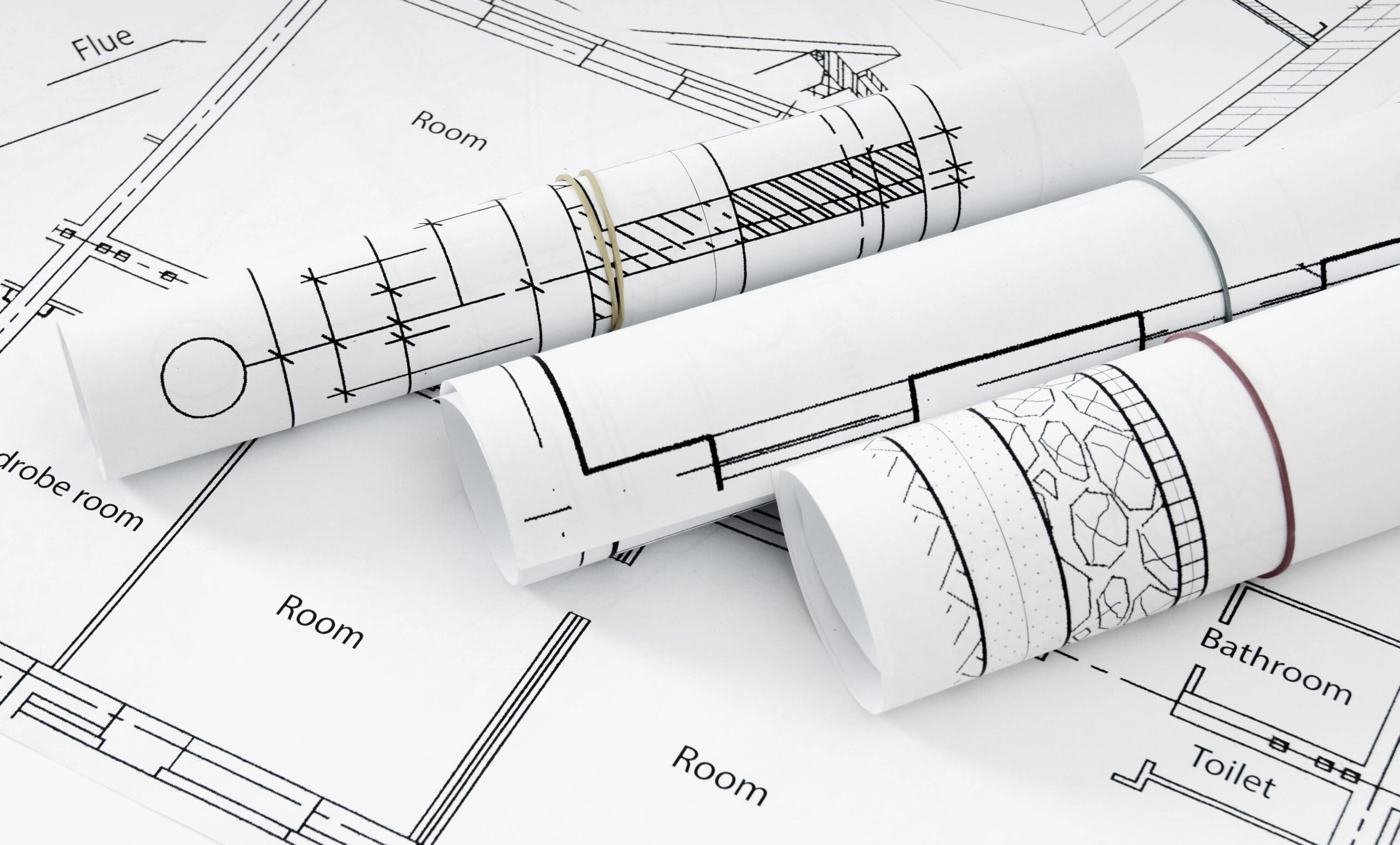
Have you ever thought what happens to an engineering drawing that is never digitized? It fades. It tears. It turns yellow. It gets buried in a plan room, folded incorrectly for the last time, or lost in a facility transition. And when a renovation project, permit resubmission, or legal review eventually calls for it, it simply isn’t there. That is the quiet crisis facing thousands of AEC firms, municipal agencies, and institutional archive managers across the United States today.
Engineering drawings are not passive records. As-built plans, structural schematics, MEP documents, and civil engineering site plans carry structural, legal, and operational weight that standard document handling cannot protect.
They are the authoritative record of how a building was actually constructed, and for any organization managing multi-decade archives of physical plan sets, the question of how to digitize engineering drawings and as-built plans is not a matter of convenience. It is a matter of institutional continuity.
The urgency is reflected in market data. The industrial engineering, design, and construction (IEDC) software market was valued at $10 billion in 2024 and is projected to grow at a CAGR of 7%, reaching $15 billion by 2030, driven in large part by the accelerating shift from analog to digital workflows across the built environment. (Source)
This guide explains the complete professional digitization process of engineering drawings and as-built plans – from collection assessment and document preparation through scanning, format selection, CAD conversion, QC, and delivery.
So, without any further ado, let’s explore!!!
Why Do Engineering Drawings Require Specialized Digitization?
Engineering drawing digitization is totally different from scanning office papers. It demands expertise in media types, huge sizes, precise outputs, strict chain-of-custody, and legal file standards.
Unique Challenges of Engineering Drawing Media\
Large-format technical drawings come on fragile materials. Here’s why each needs special care:
- Mylar (polyester film): Stable size, but warps under pressure or humidity.
- Vellum: Translucent and tears if unfolded incorrectly.
- Sepia prints and cyanotype blueprints: Fade fast from light exposure.
- Aged paper originals: Brittle, folded, sticky, or faded—needs prep before scanning.
For factories, cities, and builders, these drawings are the official record of your structures. Paper versions fade and tear over time. Engineering drawing scanning, and large-format scanning make them digital forever, immune to damage, always ready to use.
What is the Difference Between As-Built Drawings, Record Drawings, and Measured Drawings?
These three terms are used interchangeably in informal conversation, but are legally distinct document types with different digitization requirements and downstream functions.
- As-built drawings are contractor-produced markups that document field changes made during construction. They are typically redlined on the original design drawings and reflect actual conditions at the time of completion, not the engineer’s original intent. They are produced by the contractor and handed over at project closeout.
- Record drawings are the architect’s or engineer’s final, reconciled set incorporating confirmed field changes. They represent the professional’s certification of the final constructed condition. Record drawings carry greater legal weight than as-builts because they involve professional review and sign-off.
- Measured drawings are produced through direct physical field verification or reality capture technology, independent of any original design intent. They are used when no reliable original drawings exist, or when existing documents cannot be verified against actual conditions.
Why this distinction matters for digitization: Each document type carries different metadata requirements, different legal standing in permitting and litigation scenarios, and different downstream use cases.
Misidentifying a contractor’s redlined as-built drawing as a certified record drawing or failing to tag each correctly in your digital archive creates compounding problems when those records are called upon for renovation planning, compliance review, or legal proceedings.
Are digitized engineering drawings legally admissible?
Yes, but it depends on the process and documentation. Institutional clients, municipal agencies, and estate representatives often ask this before starting a digitization project.
A digitized engineering drawing meets legal standards if handled correctly. The scan file alone isn’t enough. Key factors include:
- Chain-of-custody record: Proves the original document’s handling from intake to output.
- QC audit trail: Confirms every sheet was reviewed for accuracy.
- Archival format: Use PDF/A, the ISO standard for long-term preservation, with file-level metadata.
For permitting, renovation, or litigation, request these from your provider:
- Documented intake inventory of received originals.
- Full QC audit trail for all sheets.
- Delivery in PDF/A format.
ISO-certified workflows deliver these as standard—no special requests needed.
What Types of Engineering Drawings are Most Commonly Digitized?
Here’s a quick breakdown of the most common types digitized, their media, and key tips:
| Document Type | Common Media | Key Handling Considerations |
|---|---|---|
| Architectural Drawings | Paper, vellum, mylar | Large ARCH D/E sizes; capture dense lines and title block metadata. |
| Structural Plans | Paper, mylar, sepia | Needs precise dimensions; scan reinforcing schedules at 400 DPI. |
| MEP Schematics | Paper, vellum | High annotations; details for mechanical, electrical, plumbing on one sheet. |
| Civil Site Plans | Paper, mylar, polyester | Oversized; often georeferenced for GIS use. |
| As-Built Drawings | Redlined paper, mylar overlays | Preserve layers, revisions, and legal metadata. |
| Shop Drawings | Paper, vellum | Sets with stamps and revision clouds; high-res scans essential. |
| Survey & Utility Maps | Paper, polyester | Fine lines, dense text; GIS-ready output. |
| Permit Sets | Paper, mixed | Stamps/signatures; track chain-of-custody. |
Media like brittle vellum or rolled 1970s mylar demands specific scanners and prep. Classify your collection first. It’s key to quality digitization.
How are Engineering Drawings Professionally Digitized – Step by Step
Professional digitization of engineering drawings follows a structured, multi-stage process, not just simple scanning. This workflow ensures quality, compliance, and usability. It helps organizations prepare collections, set expectations, and evaluate providers. Here’s the industry-standard step-by-step process:
- Collection Assessment and Inventory – Start with a formal intake. Review document condition, identify media types, verify sheet counts, map drawing sizes, and confirm output needs. For large collections in AEC firms or agencies, this scoping prevents inaccurate quotes or timelines.
- Document Preparation and Condition Handling – Unfold, flatten, and stabilize fragile sheets. Remove clips, adhesives, and bindings. Triage issues like tears, fading, annotations, or non-standard sizes. Proper prep avoids most quality failures before scanning even begins.
- High-Resolution Large-Format Scanning – Use flatbed, feed-through, or overhead scanners based on media sensitivity. Set resolution by need: 200 DPI minimum for legibility; 300–400 DPI standard for CAD or archival use. Choose bitonal for lines, grayscale for faded drawings, or color for stamps. Calibrate scanners per session.
- File Format and Output Selection – Pick formats by end use: PDF/A for legal archiving, uncompressed TIFF for lossless storage, DWG/DXF for CAD, or GeoTIFF for GIS. Deliver both archival and working copies as needed, with specific compression and metadata.
- CAD Conversion (If Needed) – Convert raster scans to editable vector files like DWG or DXF. This creates modifiable lines, arcs, and text for BIM, EDMS, or project reuse—not possible with images alone. It’s a separate skilled step, ideal for as-builts or renovations.
- Quality Control and Verification – Perform 100% review: check legibility, dimensions, completeness, metadata, and formats. Generate an ISO-certified audit trail for legal proof. One bad sheet can risk permits or planning.
- Indexing, Naming, and Secure Delivery – Use consistent naming (project, discipline, sheet, revision) and folder structures. Add metadata for search. Deliver via encrypted transfer, cloud, or physical media, with confidentiality from start to finish.
- Secure Shredding of Originals (Optional) – After verification and client approval, destroy originals via NAID AAA-certified shredding. This ensures compliance with data privacy laws like GDPR or HIPAA, eliminates storage risks, and provides a certificate of destruction. Ideal for sensitive engineering plans no longer needed physically.
Ready to digitize your engineering drawings with this proven workflow? Call us at 1.510.900.8800 today for a free collection assessment and custom quote for a secure, compliant, and hassle-free process.
What Changes When Digitizing Large or Multi-Decade Plan Archives?
Digitizing 50 drawings is simple. Digitizing 5,000 turns it into a full project. Scale adds logistics, throughput, version control, and coordination that single-sheet quality can’t handle alone.
Key challenges at large scale include:
- Phased Intake Logistics: Manage collections from multiple storage sites, like warehouses or offices.
- Throughput Consistency: Ensure uniform quality across thousands of sheets without delays.
- Version Control: Track revisions—preserve the latest sheet while archiving older ones.
- Inter-Discipline Coordination: Index structural, MEP, civil, and architectural drawings under one naming system.
AEC firm data storage quadrupled from 0.9 TB in 2017 to 3.5 TB in 2021. (Source)
This shows rising digitization demands from BIM and CAD files. Organize archives right now, and they’ll stay useful for decades.
What Determines the Cost of Digitizing Engineering Drawings?
The following are the primary cost drivers in any professional engineering drawing/ large-format digitization project.
| Cost Factor | What It Determines | Low vs. High Impact |
|---|---|---|
| Collection Volume & Sheet Count | Staffing, scheduling, throughput, and economies of scale | Primary driver; larger projects benefit from scale efficiencies |
| Document Condition & Media Type | Preparation time; handling protocol complexity | Mylar/vellum/sepia prints add significant preparation hours vs. clean paper |
| Drawing Size & Format Variation | Equipment selection; handling decisions at sheet level | Non-standard or oversized sheets require manual preparation; mixed sets add sorting overhead |
| Output Format & Deliverable Type | Processing complexity; software and labor requirements | CAD conversion adds skilled labor; dual archival+working output adds scope |
| Indexing & Metadata Requirements | Configuration, quality review, and naming convention work | Custom EDMS-compatible schemas or complex naming conventions add scoping time |
| QC Documentation Level | Audit trail depth; legal admissibility documentation | ISO-certified 100% QC with audit trail is the professional standard for institutional collections |
A free bulk estimate and project consultation is the appropriate starting point for any collection that cannot be self-scoped, particularly for large, multi-media, or institutionally significant archives.
Request Bulk Estimate →
Why Choose eRecordsUSA for Engineering Drawing Digitization?
AEC firms, agencies, and institutions trust eRecordsUSA for digitization that goes beyond scanning, delivering legally admissible, scalable archives ready for EDMS, or renovations.
Our Proven USPs:
- Complete 8-Step Workflow: From free intake assessments to NAID AAA-certified shredding, covering 300–400 DPI scanning, CAD conversion, and PDF/A outputs for mylar, vellum, or sepia media.
- 100% QC & ISO Audit Trails: Full verification of every sheet’s legibility, dimensions, metadata, and completeness; your chain-of-custody proof for permits or litigation.
- Large-Scale Expertise: Phased logistics, version control, and multi-discipline indexing handle thousands of sheets from multiple sites without quality loss.
- Legal & Future-Proof: Court-admissible formats, and search-ready metadata ensure compliance (GDPR, HIPAA) and decades of usability.
- No-Risk Start: Free collection scoping with custom quotes, no obligation, just precise planning for your archive’s unique challenges.
Call us at 1.510.900.8800, or write us at he***@*********sa.com to get your free assessment today!!!
FAQs About Engineering Drawing Digitization
1. How does BIM integrate digitized engineering drawings?
Building Information Modeling (BIM) uses digitized drawings as raster inputs converted to editable 3D models. Scanned as-builts feed Revit/AutoCAD via DWG/DXF vectors, enabling clash detection and facility management. EDMS stores source files with BIM metadata links.
2. What’s the difference between BIM and EDMS for drawings?
BIM (Building Information Modeling) creates intelligent 3D models; EDMS (Engineering Document Management System) organizes 2D drawings with version control. Digitized plans live in EDMS for search/retrieval, then import to BIM for modeling.
3. How long does large archive digitization take?
Timeline depends on volume/condition: 1,000 clean sheets = 2-4 weeks; 10,000 mixed-media = 3-6 months with phased intake. Professional workflows batch prep/scan/QC at 500-1,000 sheets/week using multiple scanner stations.
4. Can digitized drawings meet Indian building code requirements?
Yes, DDA/CPWD accepts digitized as-builts if PDF/A format includes chain-of-custody, 400 DPI scans, and geo-referencing for site plans. NBCC mandates ISO audit trails matching NBC 2016 standards for renovations/permits.
5. What security standards protect digitized engineering plans?
NAID AAA + ISO 27001 ensure secure transfer, and destruction certificates.