Are you scanning documents without knowing which records you should keep, archive, or destroy first? Many organizations begin digitization projects without a records retention schedule before digitization, which increases scanning costs, creates compliance exposure, and leads to poorly structured digital records.
According to Harvard Business Review, bad data costs the U.S. economy approximately $3 trillion per year, driven by redundant and outdated information. Apply a retention-first approach by aligning records management policies with document classification and secure disposal practices before scanning begins.
Organizations that work with digitization providers such as eRecordsUSA follow this method to determine which records should be digitized, temporarily stored, or securely destroyed. This approach improves compliance with regulations such as HIPAA and GDPR while creating structured, searchable records inside electronic document management systems.
It also ensures that digitization supports audits, legal requirements, and operational workflows instead of adding unnecessary data.
What is a Records Retention Schedule, and Why Does it Matter Before Digitization?
A records retention schedule defines
- How long each record type is stored,
- When it becomes inactive, and
- When it must be securely destroyed based on legal and operational requirements.
It organizes records into categories such as financial documents, employee files, legal records, and operational data, each assigned a retention period and final disposition.
This structure guides digitization by filtering records before scanning begins, ensuring that only relevant information moves into digital workflows. Early classification reduces processing volume and improves the accuracy of indexed and searchable files.
A retention schedule also connects record organization with processes such as indexing and digital storage, ensuring that records remain structured and accessible over time. Without a defined framework, digitization workflows capture unnecessary data, leading to inefficient storage and increased compliance exposure.
A structured schedule prevents this by enforcing clear retention and disposal decisions before any document enters the scanning process.
Step-by-Step: How to Create a Records Retention Schedule Before Digitization
Create a records retention schedule before digitization by identifying records, defining retention rules, and deciding what to scan or destroy before processing begins.
Step 1: Identify and Map All Existing Records
Start by documenting what records exist and where they are stored.
- Physical files (file cabinets, storage boxes)
- Digital records (shared drives, legacy systems)
- Department-level ownership
It creates a complete view of records before any filtering decisions.
Step 2: Group Records by Business Purpose
Organize records based on how they are used in the business.
- Financial → tax records, invoices
- Employee → payroll, personnel files
- Legal → contracts, agreements
Grouping records simplifies how retention rules are applied later.
Step 3: Define Retention Timeframes
Assign how long each record must be kept.
- Legal requirements (tax, labor, regulatory rules)
- Event triggers (contract expiration, employee exit)
- Business value (historical or operational use)
Retention timeframes determine when a record becomes inactive.
Step 4: Decide What Gets Scanned and What Gets Eliminated
Apply retention logic before digitization begins.
- Keep and scan → active or required records
- Delay → records still within retention period
- Remove → expired records ready for destruction
At this stage, organizations working with document scanning providers like eRecordsUSA apply a records retention schedule before digitization to avoid scanning unnecessary documents and reduce project costs.
Step 5: Set Rules for Secure Disposal
Establish how records are removed once they reach end-of-life.
- Physical records → secure shredding
- Digital records → permanent deletion
- Exceptions → legal hold or audit requirements
Clear disposal rules prevent compliance violations.
Step 6: Create a Standard Retention Schedule Document
Compile all decisions into a structured format.
- Record type
- Retention duration
- Trigger event
- Final action (scan, archive, destroy)
This document becomes the reference point for digitization and ongoing records management.
How to Apply a Records Retention Schedule During Document Scanning?
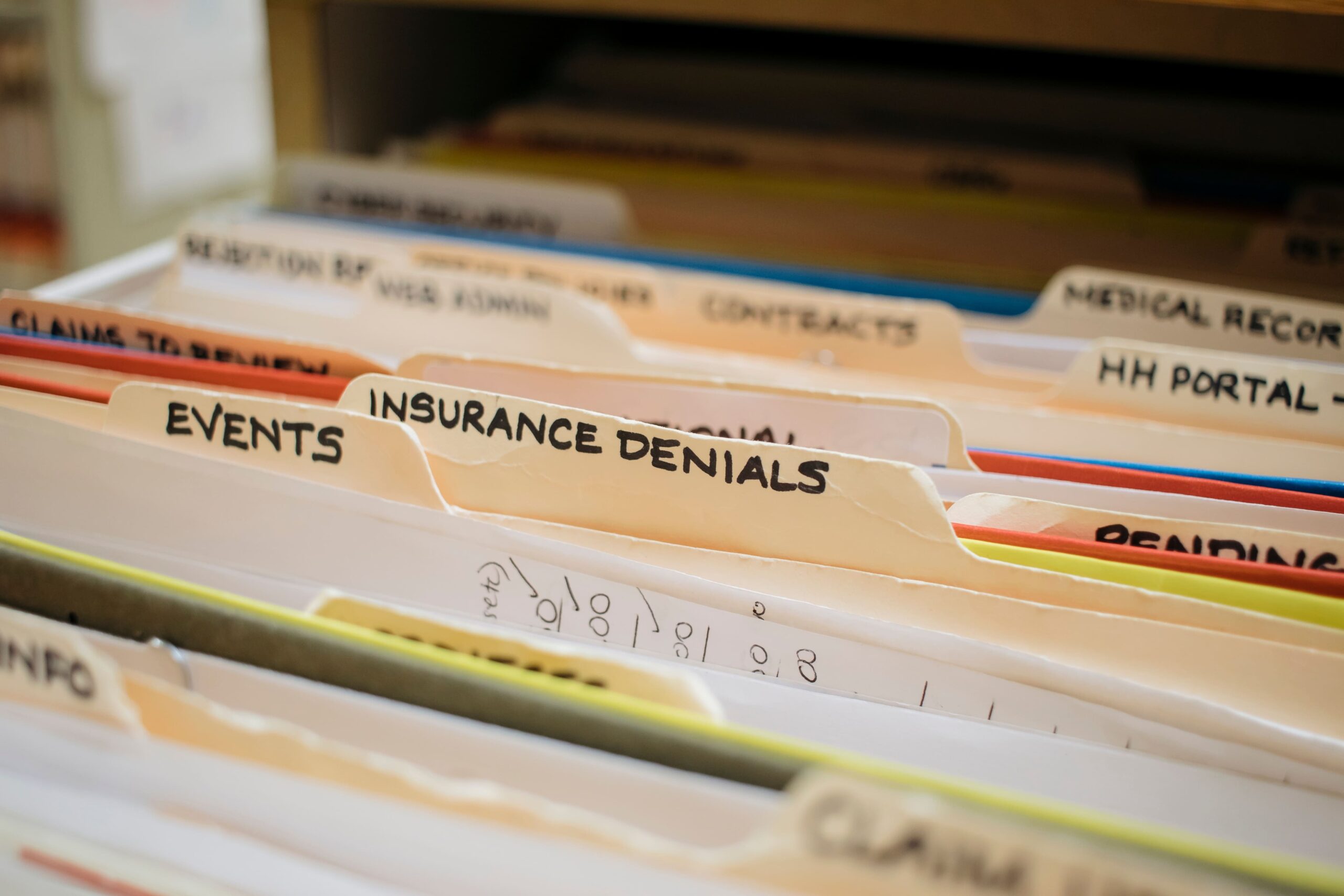
Apply a records retention schedule during document scanning by filtering records before capture, extracting searchable data, and structuring files for controlled storage and disposal.
Filter Records Before Scanning Begins
Remove documents that do not meet retention criteria before they enter the scanning workflow.
- Exclude expired or non-compliant records
- Separate active records from inactive files
- Prepare only the required documents for digitization
At this stage, teams often rely on document scanning providers like eRecordsUSA to filter out non-essential records before scanning begins, reducing processing volume and cost.
Convert Documents Into Searchable Digital Files
Transform physical records into accessible digital formats.
- Apply OCR to extract text from scanned images
- Capture complete and readable document images
- Preserve original document structure
Searchable files improve retrieval speed and usability across systems.
Attach Metadata for Lifecycle Control
Assign key attributes to each document to support organization and retention.
- Record category and document type
- Relevant dates (creation, expiration, trigger events)
- Retention duration or disposal timeline
Metadata enables automated sorting, retrieval, and scheduled deletion.
Organize Files Based on Retention Logic
Structure digital records according to how long they must be kept and how they are used.
- Group files by department or function
- Apply naming conventions linked to retention timelines
- Store records in logical, accessible directories
Clear structure supports long-term management and audit readiness.
Maintain Security and Process Integrity
Control how records are handled during and after scanning.
- Restrict access to sensitive information
- Track document movement and handling
- Store files in secure document management environments
Consistent handling ensures compliance and reduces data risk.
With scanning workflows aligned to retention rules, the next step is to determine when physical records can be securely destroyed after digitization.
When Can You Destroy Physical Records After Digitization?
Destroy physical records after digitization when digital copies meet legal standards for authenticity, accessibility, and integrity, and when no regulatory or operational requirement mandates keeping the original documents.
Confirm Legal Acceptability of Digital Records
Verify that scanned documents can replace original paper records.
- Ensure digital files are accurate and complete
- Maintain readability and accessibility over time
- Meet compliance standards (IRS, HIPAA, GDPR, industry regulations)
Regulations in many industries accept digital records if they remain reliable and reproducible during audits.
Check for Exceptions That Require Original Documents
Identify records that must remain in physical form.
- Signed legal agreements with original signature requirements
- Sealed documents
- Certain government or compliance-specific records
These exceptions vary by jurisdiction and industry, so verification is required before destruction.
Validate Audit Trails and Document Integrity
Ensure each scanned record includes traceable and verifiable information.
- Capture timestamps and document history
- Maintain version control where required
- Store files in systems that preserve integrity
Audit-ready records reduce risk during legal or compliance reviews.
Apply Secure Destruction Practices
Destroy physical documents only after validation is complete.
- Use certified shredding for sensitive documents
- Follow documented destruction procedures
- Maintain records of destruction for compliance
At this stage, organizations often engage certified providers such as eRecordsUSA to carry out secure document destruction in line with regulatory and compliance requirements.
Align Destruction Timing With Retention Policies
Destroy records only when retention requirements are fully met.
- Confirm the retention period has expired
- Check for active legal holds or audits
- Ensure no ongoing operational need exists
Proper timing prevents premature destruction and compliance violations.
After establishing when physical records can be destroyed, the next step is to identify common mistakes that increase scanning costs and create compliance risks.
Common Mistakes That Increase Scanning Costs and Compliance Risk
Avoid scanning mistakes by correcting how decisions are made before and after digitization, not by repeating the technical process.
Keeping Records “Just in Case”
Many organizations retain documents longer than required due to uncertainty.
- Fear of deleting important records
- Lack of clear ownership over data decisions
- No defined approval process
This behavior increases storage volume and expands the scope of digitization without adding value.
Treating Digitization as a One-Time Project
Scanning is often handled as a bulk activity instead of an ongoing system.
- No long-term retention enforcement after scanning
- No review cycle for digital records
- Data continues to accumulate after project completion
Digitization must connect to ongoing record lifecycle management.
Separating Compliance From Operations
Retention rules are often defined but not applied during execution.
- Policies exist but are not enforced during scanning
- Teams scan first and review later
- Legal and operations teams work in isolation
This disconnect leads to inconsistent record handling and audit challenges.
Underestimating Preparation Effort
Organizations often focus on scanning speed instead of preparation quality.
- Files are not sorted before scanning
- Duplicate or irrelevant records remain in batches
- No validation before processing begins
Preparation determines efficiency more than scanning itself.
Lack of Accountability in Record Ownership
Unclear responsibility leads to inconsistent decisions.
- No assigned owners for record categories
- Departments follow different retention practices
- No centralized control over disposal decisions
Ownership is required to maintain consistency across the organization.
Handling Destruction Without Verification
Document disposal is sometimes treated as a final step without oversight.
- No audit trail for destroyed records
- No verification of what was removed
- Risk of improper handling of sensitive data
After addressing these decision-level mistakes, the next step is to standardize retention rules using a structured template for consistent execution.
Records Retention Schedule Template (Example + How to Use It)
Use a records retention schedule template to standardize how records are stored, reviewed, and disposed of across all departments. A structured template ensures consistency, improves compliance tracking, and supports efficient digitization workflows.
Sample Records Retention Schedule
How to Use This Records Retention Schedule Template?
Apply the template by assigning clear attributes to each record category.
- Record Type: Defines the category (financial, HR, legal)
- Retention Period: Specifies how long the record must be kept
- Trigger Event: Starts the retention countdown (e.g., termination, expiration)
- Final Action: Determines what happens after the retention period ends
- Storage Location: Identifies where the record is stored
This structure ensures that every record follows a consistent lifecycle from creation to disposal.
How This Records Retention Schedule Template Supports Digitization?
A retention schedule template improves document scanning outcomes by creating a predefined structure for decision-making.
- Identifies which records qualify for digitization
- Aligns scanned files with retention timelines
- Enables consistent organization across digital systems
Organizations that implement structured templates often achieve faster retrieval, better compliance tracking, and reduced storage overhead.
How to Implement This Records Retention Schedule Template in Practice?
Start by applying the template to one department, then expand across the organization.
- Begin with high-volume records (finance, HR)
- Validate retention periods with legal or compliance teams
- Standardize naming and storage rules across systems
Many organizations work with eRecordsUSA during implementation to align retention schedules with document scanning, indexing, and secure storage workflows.
Are you also ready to digitize smarter? Call us at 1.510.900.8800, or write us at he***@*********sa.com to streamline your records, reduce costs, and stay compliant from day one.
FAQs: Records Retention Schedule Before Digitization
Q1. How often should a records retention schedule be updated?
- A: A records retention schedule should be reviewed every 12 months or after regulatory changes. Organizations update retention rules to align with legal requirements, operational needs, and data lifecycle changes.
Q2. Who is responsible for managing a retention schedule in an organization?
- A: Records managers, compliance officers, and department heads manage retention schedules. Organizations assign ownership to ensure consistent record classification, retention enforcement, and disposal decisions.
Q3. What industries require strict records retention policies?
- A: Industries such as healthcare, finance, legal, and government require strict retention policies. Regulations like HIPAA, SEC, and GDPR define how long records must be stored and protected.
Q4. Can retention schedules be automated in digital systems?
- A: Retention schedules can be automated using document management systems. Systems apply metadata, track retention timelines, and trigger automatic deletion or archival based on predefined rules.
Q5. What happens if a company does not follow a retention schedule?
- A: Failure to follow a retention schedule leads to compliance violations, legal penalties, and audit risks. Organizations may face fines, data breaches, or litigation due to improper record handling.
Q6. How does cloud storage impact records retention policies?
- A: Cloud storage requires retention policies to control access, storage duration, and deletion. Organizations apply retention rules to prevent over-storage and ensure compliance in cloud environments.
Q7. What is the difference between data retention and data backup?
- Data retention defines how long records are stored and when they are deleted. Data backup creates copies for recovery purposes and does not replace retention policy requirements.