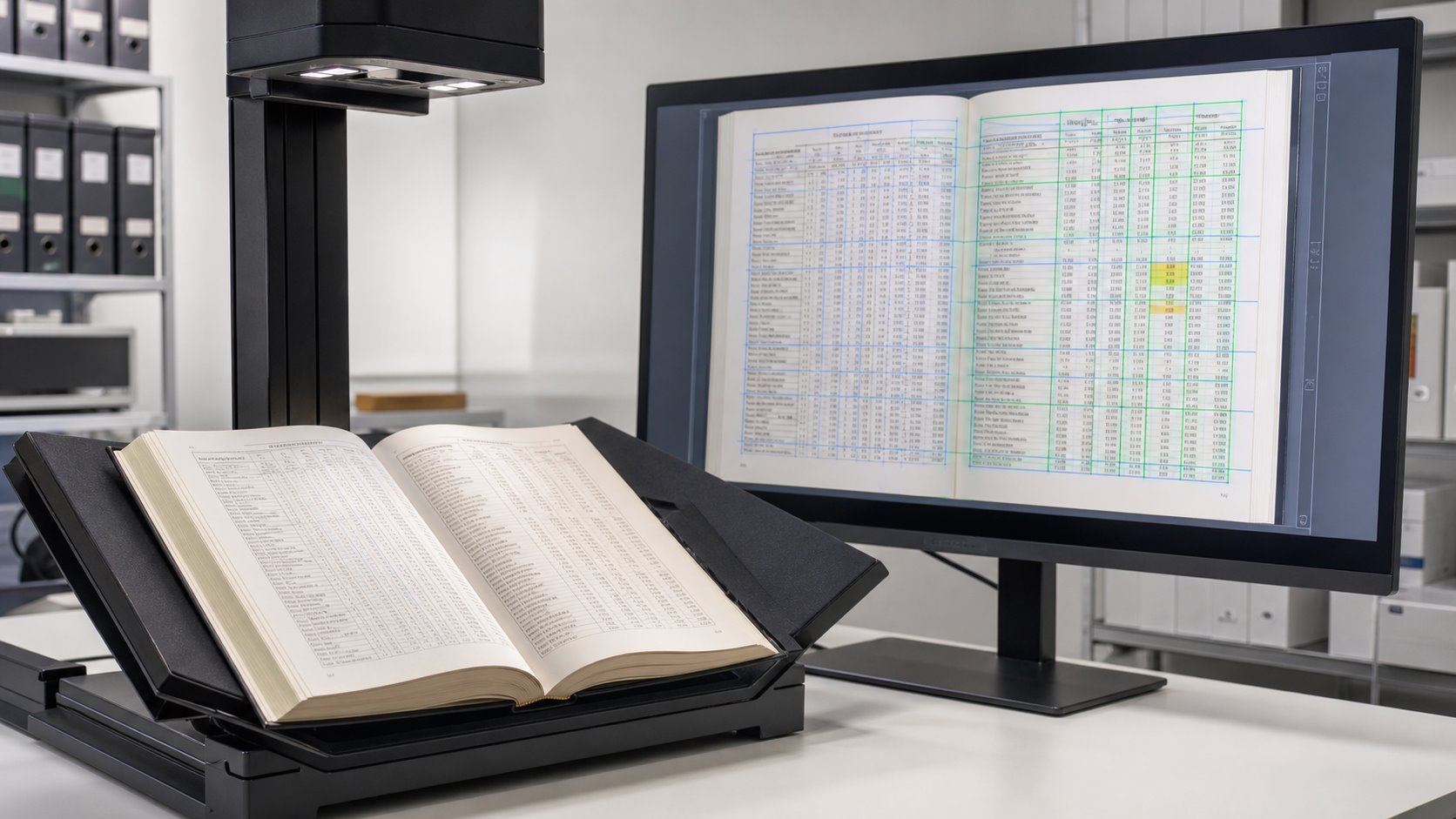
OCR can preserve tables and numbers in scanned manuals, but only when the workflow recognizes page structure as well as individual characters. A basic text layer may make a PDF searchable while still placing a quantity under the wrong column, dropping a decimal point, or reading a table row in the wrong order. For estimating manuals, technical references, price books and standards, those structural errors can matter more than an occasional misspelled word.
The reliable approach combines a clear source image, layout-aware OCR, representative-page testing and targeted human quality control. The goal should be defined before scanning begins: do you need to search the original page, extract reusable table data, prepare text for an internal knowledge base, or produce all three?
Direct answer: OCR table accuracy depends on two separate tasks: recognizing the characters and preserving the relationships among headings, rows, columns, units and page references. A successful project validates both.
Why Are Tables and Numbers Harder for OCR to Recognize?
Ordinary paragraphs give an OCR engine helpful context. If one letter is uncertain, the surrounding word and sentence may help resolve it. A numerical table offers less linguistic context. A single character may be a quantity, part number, measurement, percentage or currency value, and several alternatives may look visually plausible.
Structure creates a second challenge. A person can see that a value belongs beneath a particular heading. Basic OCR may instead flatten the page into a stream of text. This can disconnect values from their labels, merge adjacent columns or insert a footer between rows. Modern document-analysis systems address this by identifying cells, merged cells, column headers, table titles and other layout elements. For example, Amazon Textract documents separate table objects for cells, merged cells, headers, titles and footers.
| OCR challenge | Possible error | Why it matters |
|---|---|---|
| Similar characters | 0/O, 1/I, 5/S or 8/B substitutions | Changes quantities, identifiers and reference codes |
| Small punctuation | Lost decimal points, commas or currency symbols | Can materially alter prices and measurements |
| Dense or faint gridlines | Split cells or merged rows | Moves data away from its correct heading |
| Multi-column pages | Incorrect reading sequence | Produces confusing search results and text exports |
| Repeated headers and footers | Page furniture inserted into table data | Pollutes exports and AI retrieval results |
What Is the Difference Between Searchable OCR and Structured Table Extraction?
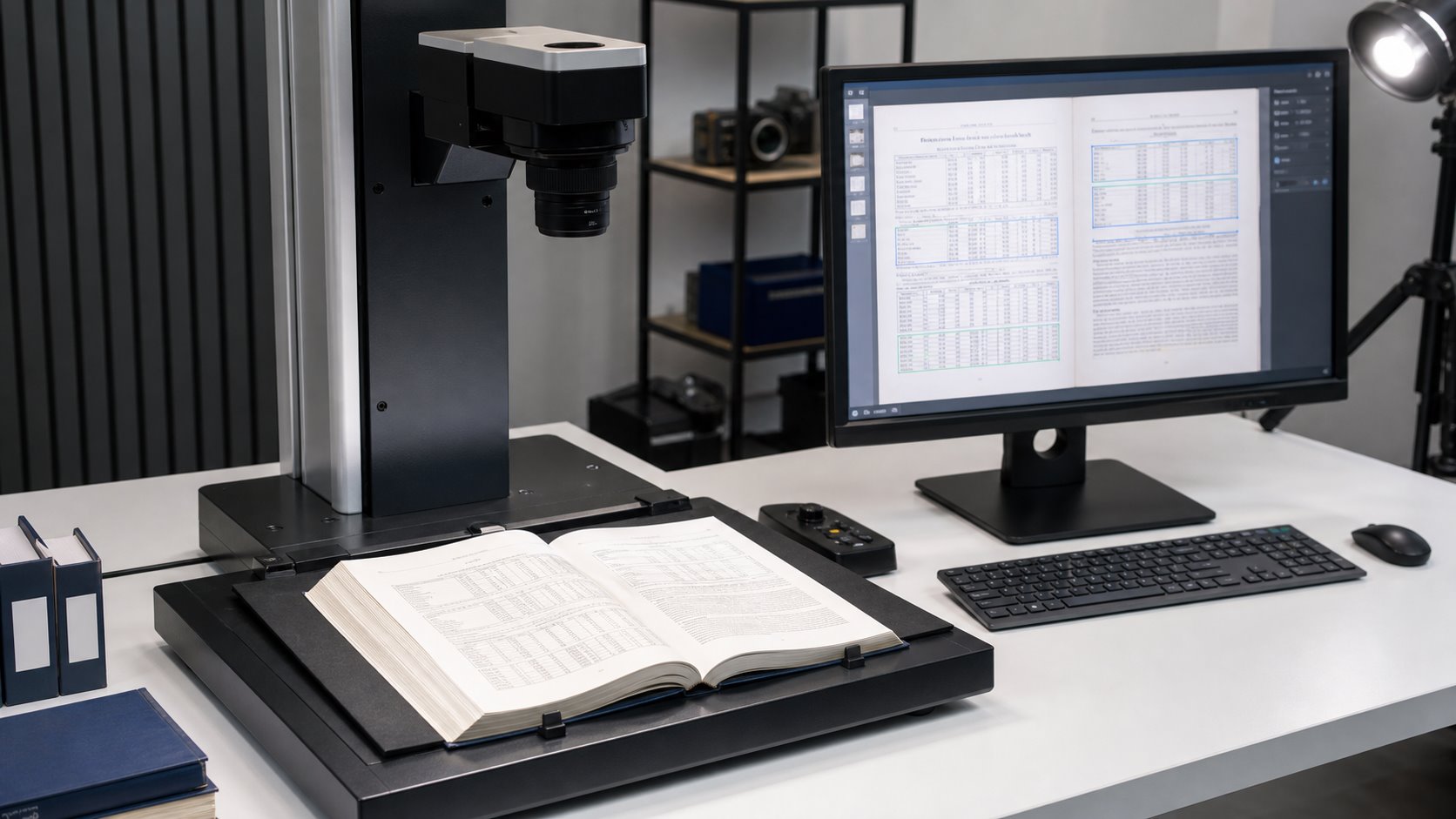
A searchable PDF and a spreadsheet are not equivalent deliverables. Searchable OCR normally places an invisible text layer behind the page image. Readers still see the original table and can search for a phrase or number, but the hidden text may not reproduce every row-and-column relationship outside the PDF.
Structured extraction goes further. It attempts to represent each table as rows, columns and cells that can be exported to CSV, Excel, JSON or another machine-readable format. This requires layout analysis and usually demands more validation. Google describes the same distinction in its layout-parser documentation: standard OCR can flatten documents and lose context, while layout-aware parsing preserves elements such as tables, headings and lists.
| Output | Best use | What it preserves | Validation priority |
|---|---|---|---|
| Searchable PDF | Reading, page viewing and full-text search | Original visual page plus hidden text | Searchability, page order and visual fidelity |
| Plain text export | Text analysis, indexing and knowledge bases | Recognized characters and selected page breaks | Reading order, headings and page references |
| CSV or Excel | Calculations, filtering and data reuse | Explicit rows, columns and cell values | Cell alignment, numbers, units and totals |
| PDF/A access copy | Long-term, page-oriented document access | Static visual appearance with format constraints | Conformance, embedded resources and readability |
The Library of Congress describes PDF/A as a family of ISO standards intended for long-term preservation of page-oriented documents. It also notes that source images are often treated as the preservation masters for scanned-image PDFs. That is why output planning may include both a visually faithful master or access PDF and separate OCR text or structured data.
What Should an OCR Sample Test Include?
A sample should test the hardest pages, not merely the cleanest ones. Processing ten easy pages successfully says little about a 3,000-page manual containing faded schedules, small footnotes, landscape tables and color reference sections.
Select representative pages before approving the full production workflow. The test should use the proposed capture settings, OCR configuration, output format and quality-control method. Review the results against written acceptance criteria so that “accurate OCR†has a project-specific meaning.
| Test page | What to inspect | Acceptance question |
|---|---|---|
| Dense numerical table | Decimals, symbols, row labels and totals | Do values remain under the correct headings? |
| Small type or footnotes | Character separation and superscripts | Can critical qualifiers be searched and read? |
| Multi-column page | Reading order and section boundaries | Does exported text follow the intended sequence? |
| Grayscale or color page | Contrast, captions and visual references | Are visual distinctions retained without obscuring text? |
| Damaged or faint page | Background noise and low-confidence regions | Will the page be corrected, flagged or manually reviewed? |
Test the hardest pages before the full production run
Validate dense tables, small numbers, page order and required exports with a representative OCR sample.
How Does Layout Analysis Preserve Table Structure?
Layout analysis divides a page into meaningful regions before or alongside character recognition. It can distinguish a table from surrounding paragraphs, identify headers and footers, and represent cells by row and column. This prevents a visually correct page from becoming a disorganized text export.
The required level of structure depends on the final use. A searchable PDF may only need reliable text coordinates that follow the original page. A data project may need explicit cells, column names and relationships. A knowledge-base project may need headings, page numbers and tables retained together so retrieved passages still make sense when separated from the full manual.
Complex layouts still require testing. Merged cells, nested headings, tables continuing across pages and notes placed inside a table can be interpreted differently by different tools. The purpose of the sample is therefore not to select software by reputation alone; it is to determine whether the proposed workflow handles the actual manuals.
Which Image-Processing Steps Improve OCR Table Accuracy?
OCR quality begins with the image. Cropping removes irrelevant borders. Deskewing straightens baselines and gridlines. Orientation correction prevents rotated pages from being analyzed incorrectly. Controlled contrast can help separate type from a faded background, while overly aggressive cleanup may erase punctuation or thin table rules.
Resolution should be selected according to character size, source condition and intended output. This article does not repeat the full resolution decision because eRecordsUSA already provides a dedicated comparison of 300 versus 600 DPI for document scanning and OCR. For a table-heavy manual, the practical rule is to confirm the chosen setting against small numerals, decimals and fine rules during the sample test.
Blank-page handling also needs a written rule. Automatic deletion can be efficient, but a nearly blank separator, intentionally blank numbered page or faint reverse side may carry meaning. Flagging uncertain pages for review is safer than deleting them without verification.
How Should Numbers and OCR Tables Be Quality-Checked?
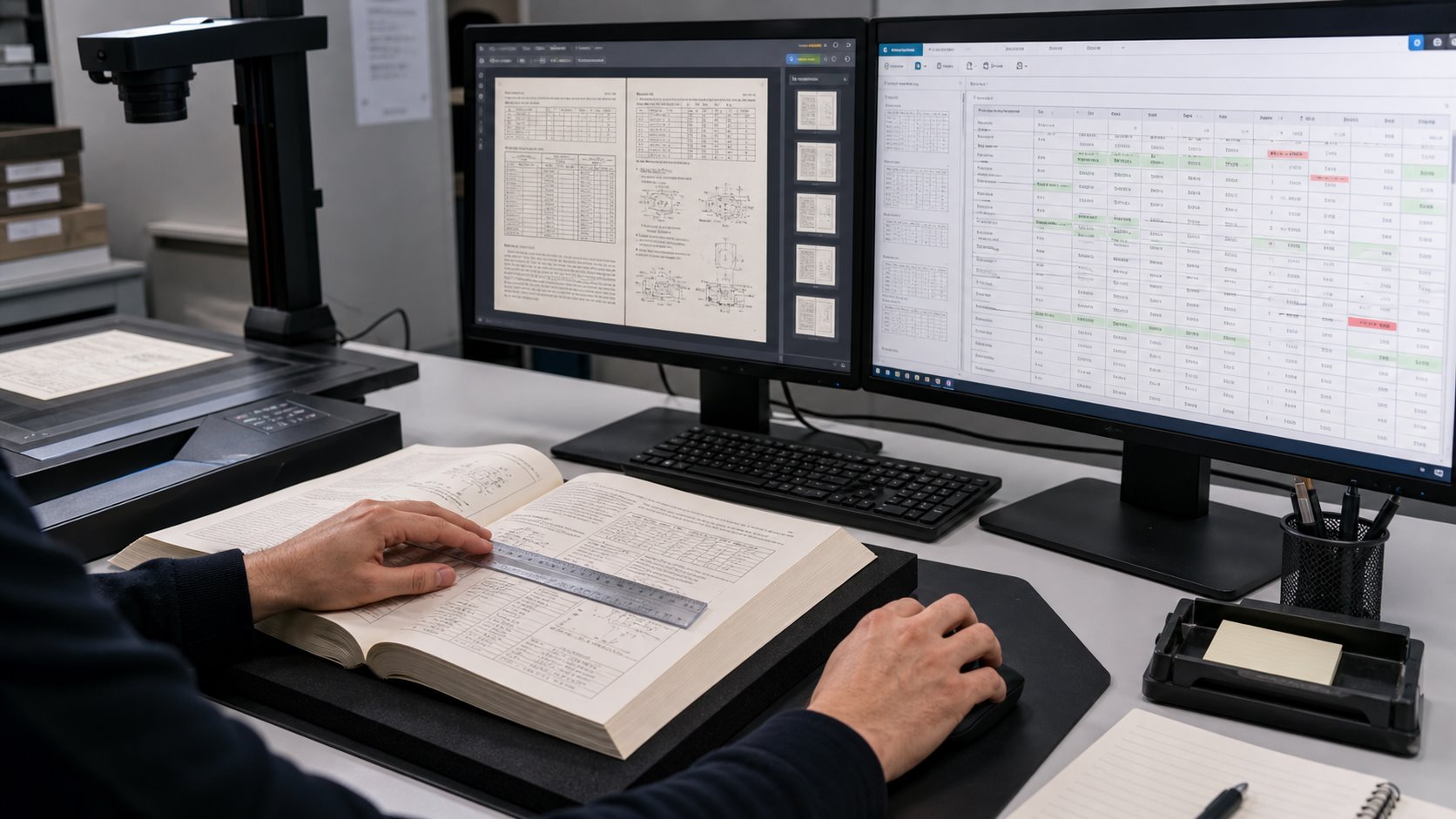
Quality control should test completeness, visual fidelity, text recognition and table structure as separate dimensions. A file can pass one and fail another. For example, every page may be present and readable while an exported table contains shifted columns.
NARA’s guidance for digitization quality management requires agencies to inspect digital records for technical compliance and identify problems caused by equipment, software settings, metadata capture or human error. Its quality-management guide describes automated checks as a useful first pass and human visual inspection as a second pass for issues such as missing pages and loss of source information. The same two-level model is practical for complex manuals: automate what can be measured, then inspect the areas where context matters.
| QC layer | Checks | Typical method | Escalation trigger |
|---|---|---|---|
| Completeness | Missing, duplicated or out-of-order pages | Page reconciliation and sequence checks | Count mismatch or unexplained gap |
| Image quality | Crop, skew, orientation, clipping and readability | Automated checks plus visual review | Lost content or unreadable characters |
| Character accuracy | Digits, punctuation, symbols and identifiers | Confidence review and source comparison | Low confidence or invalid value pattern |
| Table structure | Row, column, merged-cell and header alignment | Cell-level comparison and export testing | Value appears under the wrong heading |
| Search and retrieval | Known terms, numbers and page references | Predefined search test set | Known value cannot be found reliably |
Confidence scores can help prioritize review, but they should not be treated as proof of correctness. Microsoft explains that document-intelligence confidence scores express statistical certainty and can be returned for words, fields and, in supported configurations, tables and cells. A project can use lower-confidence regions to route pages for human inspection, while also applying deterministic checks for expected formats such as currency, percentages, dates or part numbers.
Can OCR Output Be Used in an AI Knowledge Base?
Yes, but a searchable PDF alone may not be the most useful ingestion package. An internal search system or retrieval-augmented generation application benefits from clean text, stable page references, descriptive filenames and metadata that identify the manual, edition and section.
Tables should remain connected to their headings and explanatory notes. When a parser separates a row from the column labels that define it, an AI system may retrieve a correct number without enough context to explain what the number represents. Layout-aware parsing and context-aware chunking are designed to reduce that problem by keeping structural relationships available during retrieval.
A practical delivery package may contain the visual searchable PDF, a page-delimited text export, structured table files for selected high-value sections and a simple index connecting filenames to titles and editions. Before loading the full collection, test several real questions whose answers depend on numbers or tables and verify the returned answer against the source page.
What Should You Ask an OCR Scanning Provider?
- Will you test representative pages before processing the full manual?
- How will you distinguish searchable OCR from structured table extraction?
- How are low-confidence numbers, symbols and table cells identified?
- Will page order and page counts be reconciled against the original?
- Can you provide searchable PDF, page-delimited text and selected CSV or Excel outputs?
- How will merged cells, multi-page tables and repeated headers be handled?
- Will blank pages be reviewed before deletion?
- What sample results must be approved before production begins?
For a broader explanation of preparing ordinary PDFs for text recognition, see eRecordsUSA’s guide to making PDFs searchable with OCR. Projects requiring reusable fields or structured output can also review the company’s OCR data extraction capabilities.
Frequently Asked Questions
Can OCR recognize numbers accurately?
OCR can recognize clear printed numbers, but decimals, symbols, small type and low-contrast pages require validation. Numeric fields should be tested against representative source pages.
Does OCR preserve table rows and columns?
Basic OCR may only produce searchable text. Preserving rows, columns and merged cells requires layout-aware table recognition and a structured output workflow.
Can scanned tables be exported to Excel?
Yes, when tables are extracted as structured cells. Excel or CSV delivery needs stronger cell-level validation than a visual searchable PDF.
What causes OCR to misread decimal points?
Small type, faint printing, skew, compression and background noise can make decimal points disappear or merge with nearby characters.
Should blank pages be deleted automatically?
Only under an approved rule. Numbered blanks, separators and faint reverse sides should be reviewed before removal so page sequence and meaning remain intact.